A laptop that becomes unusually hot, slows down after a few minutes of use, or shuts down without warning should not be treated as merely inconvenient. These symptoms can indicate cooling problems, storage issues, excessive background processes, failing components, or a combination of software and hardware conditions.
Users looking for Laptop Repair in Chinchwad can make better repair decisions by understanding what these symptoms may indicate.
Why Laptops Overheat
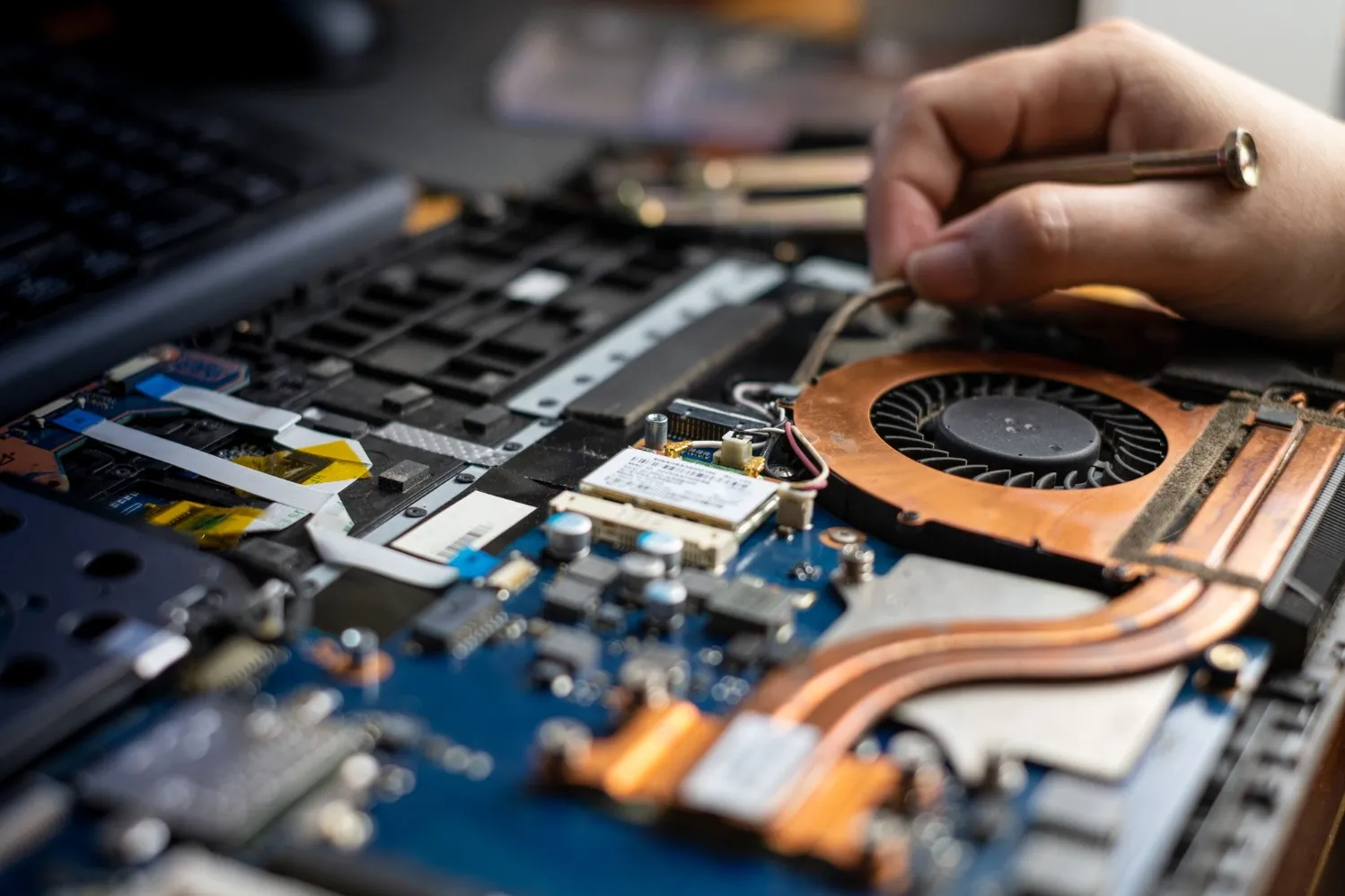
Laptop processors and graphics components generate heat during operation. Fans, heat sinks, vents, and thermal materials are designed to transfer this heat away from sensitive components.
Problems develop when airflow becomes restricted or the cooling system cannot remove heat effectively.
Possible causes include:
- Dust accumulated inside cooling vents
- Cooling fan malfunction
- Deteriorated thermal interface material
- Blocked air intake
- Heavy background applications
- Continuous high-performance workloads
Using a laptop on a bed, cushion, or other soft surface can also restrict ventilation.
Slow Performance Has Several Causes
Heat is only one possible reason for sluggish performance.
Low available storage, insufficient RAM, excessive startup applications, ageing hard drives, malware, operating-system issues, and failing storage devices can all reduce responsiveness.
This is why simply reinstalling software or upgrading RAM without diagnosis may not solve the underlying problem.
What About Sudden Shutdowns?
Unexpected shutdowns require particular attention because they may involve overheating, battery problems, charger faults, power circuitry, or motherboard issues.
If the laptop repeatedly turns off under load, technicians may need to examine both the thermal system and power delivery.
Laptop Plus - Complete Laptop Service & Rental handles laptop diagnosis and repair requirements for users in Chinchwad and other PCMC areas of Maharashtra.
Avoid Common Troubleshooting Mistakes
Users sometimes continue operating an overheating laptop until it becomes almost unusable. Others install multiple optimisation programs that consume additional resources without resolving hardware problems.
Instead:
- Back up important files.
- Note when the problem occurs.
- Check whether vents are obstructed.
- Avoid repeatedly restarting a severely overheating device.
- Have persistent hardware symptoms properly diagnosed.
Knowing whether the problem appears while charging, gaming, using specific applications, or immediately after startup can also help identify the cause.
For laptop users across Chinchwad, Pimpri, Nigdi and nearby PCMC locations, early attention to abnormal heat and unexpected shutdowns can reduce the likelihood of additional component damage. Effective repair starts with distinguishing the symptom from the underlying fault.
Keywords