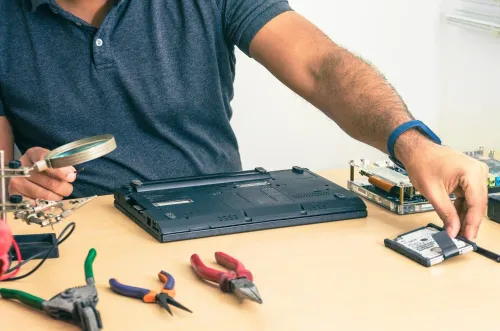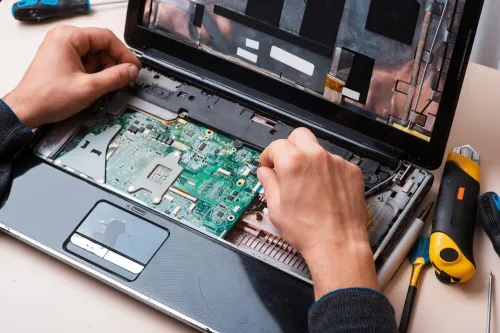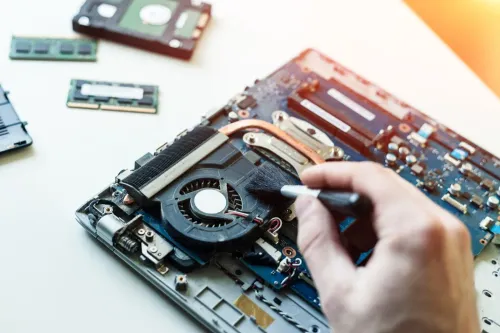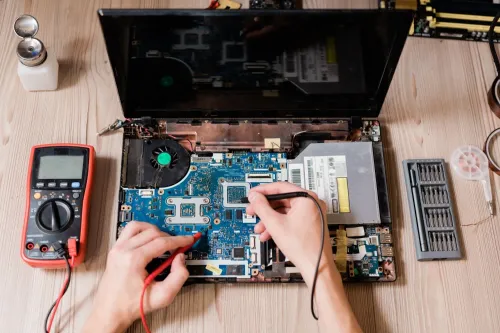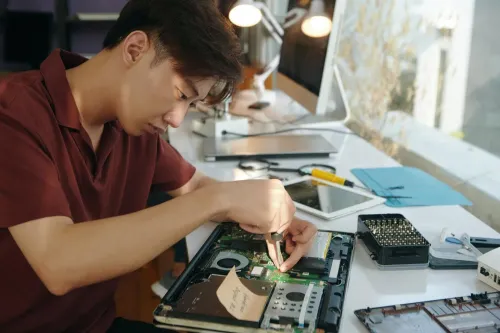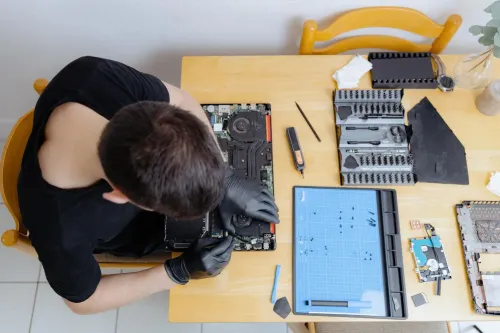
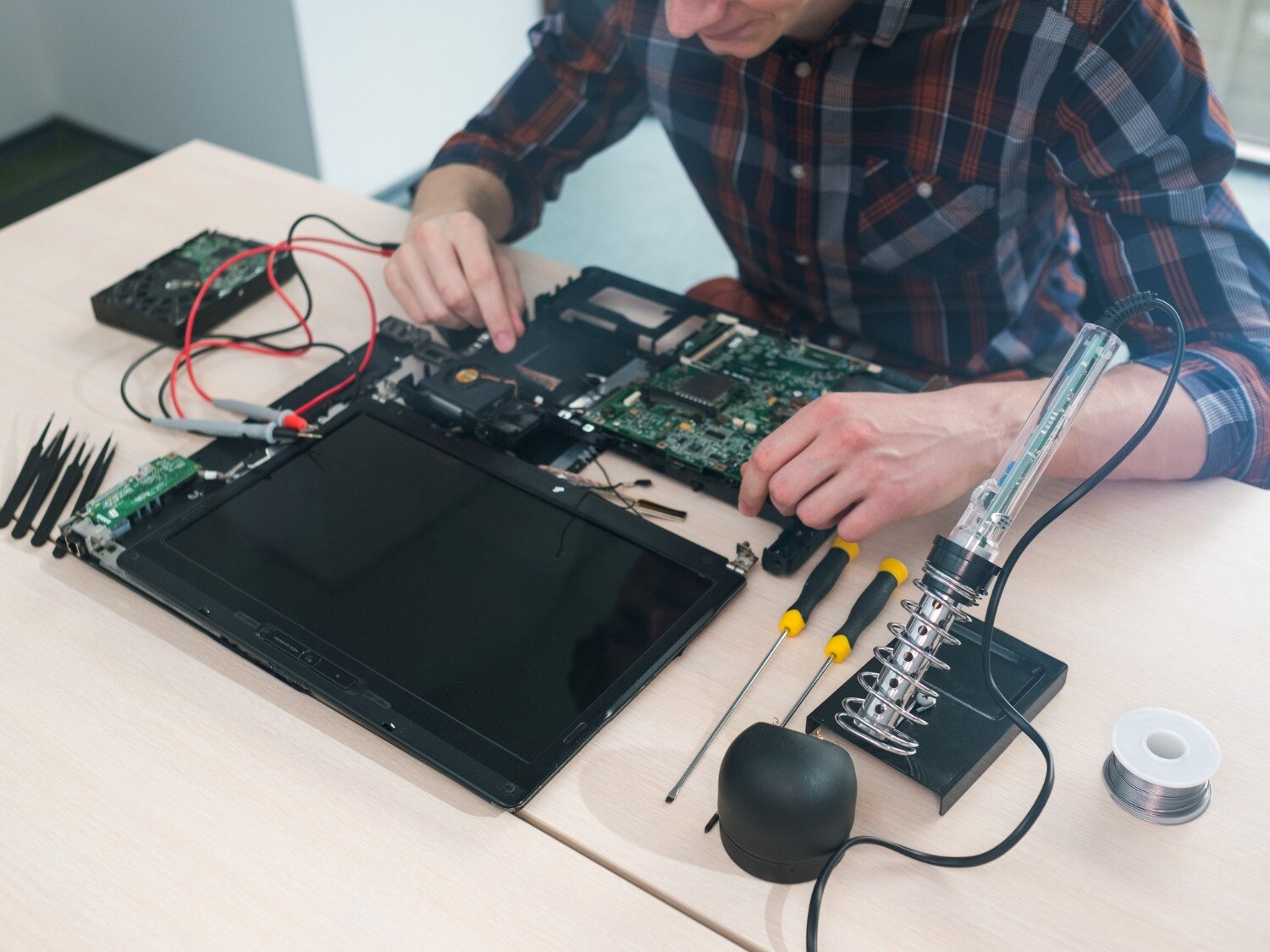
A laptop that starts slowly, overheats, loses Wi-Fi, or shuts down can disrupt classes, work calls, payments, and personal files. You will learn how to separate safe home troubleshooting from urgent repair, prepare your data and device for service, judge repair value, and compare providers before handing over the laptop.
Key takeaways
- Stop using laptops with swelling batteries, liquid damage, burning smells, or repeated shutdowns.
- Back up files, remove passwords, and request written diagnosis before approving repairs.
- Compare the repair quote with your laptop’s age, performance, and replacement cost.
- Check diagnostic fees, warranty terms, parts quality, and data privacy before choosing service.
Decide Whether the Problem Needs Immediate Repair
Restarting, installing pending updates, freeing storage, running a malware scan, and testing Wi-Fi with another network are safe home checks. Do not open the casing or keep using the laptop after liquid exposure, a burning smell, battery swelling, repeated shutdowns, or a cracked hinge that strains the display cable.
| Symptom | Home check | Technician needed |
|---|---|---|
| Slow startup or blue screen | Remove unnecessary startup apps; note the exact error | Yes, if crashes repeat or Safe Mode also fails |
| Wi-Fi failure | Test another network and reinstall the Wi-Fi adapter in Device Manager | Yes, if other devices connect but this laptop does not |
| Charging failure | Try the correct known-good charger and inspect the cable | Yes, if charging remains intermittent or the port is loose |
| Overheating or sudden shutdown | Clear vents, use a hard surface, and check fan noise | Yes, if temperatures stay high or shutdowns continue |
| Cracked screen, broken hinge, or dead keyboard | Use an external display or USB keyboard only to save urgent work | Yes; continued use can damage cables and the motherboard |
For laptop repair in Bhosari, request a written diagnosis before approving parts. The technician should reproduce the symptom, test with a known-good charger or display where relevant, and separate an operating-system fault from RAM, storage, display, power, or motherboard failure.
A low-wattage USB-C phone charger can fail to power a laptop even when the connector fits; charging depends on USB Power Delivery, voltage, wattage, and the cable.
Prepare Your Laptop and Ask for a Complete Diagnosis
Record the failure before you hand over the laptop, then require a written diagnosis before approving parts. A laptop technician in Bhosari needs the exact symptom, not only “it is slow” or “it will not start.”
1. Note when the problem began, whether it is constant, and what triggers it. Save the exact blue-screen or startup error, recent Windows or driver updates, unusual heat, fan noise, shutdowns, charging behaviour, and any liquid drop or impact.
2. Back up documents, photos, browser data, and study or work files to an external drive, then open several files to verify the backup. Cloud synchronization alone is not proof that you can restore them.
3. Find and save the BitLocker recovery key before an operating-system reinstall, drive replacement, or motherboard repair. Without it, an otherwise healthy SSD can remain unreadable outside its original Windows installation.
4. Ask for tests that reproduce the fault and separate software from hardware. For slow performance, request checks of startup programs, free storage, malware indicators, RAM pressure, drive health, and thermal throttling; for charging or display faults, ask for a known-good charger or screen test.
Ask the laptop technician Bhosari customers use to record the failed component and proposed remedy. If the screen needs replacement, verify its size, resolution, connector, refresh rate, brightness, touch support, mounting tabs, and whether it is original-equipment, manufacturer-approved, or compatible aftermarket.
Match the Symptom to the Likely Fault
Slow startup points to startup programs, low free storage, malware, failing storage, or insufficient RAM—not automatically a bad SSD. A technician should reproduce the complaint, check drive health and memory pressure, review thermal throttling, and test a clean operating-system boot before replacing parts.
- Overheating or random shutdowns: inspect the fan, heatsink, vents, thermal temperatures, battery, and charger; a new SSD will not fix heat-related processor throttling.
- Charging failure: test the charger and charging port with known-good equipment, check battery detection, and measure whether the laptop receives stable power before replacing the battery or motherboard.
- Blue screens: record the stop code, test RAM, inspect storage health and drivers, and separate a damaged Windows installation from a failing component.
- A cracked or flickering screen: connect a known-good external display and check the cable, hinges, panel connector, resolution, brightness, and touch function before ordering a screen.
- Keyboard or trackpad faults: test in the BIOS or another operating system; if they work there, Windows or a driver is the likely cause.
- Wi-Fi failure: test another network, Bluetooth, the wireless adapter, antenna connections, and drivers before replacing the card.
- Pop-ups, redirects, or unknown processes: scan for malware, inspect browser extensions and startup entries, and check whether a clean user profile behaves normally.
A computer repair Bhosari technician should give you a written diagnosis naming the failed part, tests performed, labour, replacement quality, warranty, and exclusions. Back up files first: motherboard or drive replacement, reinstallation, and a factory reset can erase local data.
Compare Repair Cost with the Laptop’s Remaining Use
Use the written diagnosis and total quote to compare repair with a replacement that meets the same study or work requirements. A low-cost keyboard, battery, fan, hinge, or charging-port repair makes sense when the laptop still runs required applications and has enough RAM and storage.
| Compare | Repair is better when | Replacement is better when |
|---|---|---|
| Cost | The quote is far below a suitable replacement, with no second major fault | Repairs approach the price of a dependable replacement |
| Remaining use | The processor, RAM, display, and ports meet your needs for another year or more | The machine cannot run required software, video calls, or security updates |
| Reliability | The technician identifies one replaceable fault | The motherboard, screen, battery, and storage show separate failures |
| Performance | Cleaning, an SSD, or extra RAM addresses the tested bottleneck | Heat, throttling, or an unsupported processor remains after repair |
Do not approve parts replacement from a symptom alone. For slow performance, ask for checks of startup programs, free storage, malware indicators, RAM pressure, drive health, and thermal throttling; an SSD will not fix a failing fan or damaged Windows installation.
Before handing over the laptop for laptop repair in bhosari or laptop service bhosari, verify a restorable backup. Save the BitLocker recovery key before motherboard work, drive replacement, OS reinstallation, or a factory reset. Afterward, test charging, battery detection, Wi-Fi, ports, keyboard, applications, and your original fault before deciding the repair delivered enough remaining use.
Compare Bhosari Service Providers Before You Hand Over the Device
A provider should give you a written diagnosis before you approve parts. It must state the reproduced symptom, tests performed, failed component, labour, taxes, turnaround time, warranty period and exclusions. A laptop service Bhosari customer should not approve “replace and check” without this detail.
Ask these questions before handing over the device:
- Has the technician tested the fault with a known-good charger, display, RAM module or storage drive where relevant?
- Is the replacement screen original-equipment, manufacturer-approved or compatible aftermarket?
- Does the screen match the size, resolution, connector, refresh rate, brightness and touch support?
- Will a motherboard repair, drive replacement, factory reset or OS reinstall affect my data?
- Who will provide the invoice and return replaced parts?
Back up files to a separate drive and verify that you can open them. Cloud synchronisation alone is not proof of a restorable backup. Save the BitLocker recovery key before motherboard work or an OS reinstall; without it, the SSD can remain unreadable outside its original Windows installation.
Compare providers on evidence, not promises.
| Provider evidence | Why it matters | Reject it when |
|---|---|---|
| Written diagnosis | Separates software, RAM, storage, display, power and motherboard faults | Parts are quoted without tests |
| Detailed quotation | Reveals part origin, labour, taxes and warranty limits | “Warranty” has no duration or exclusions |
| Collection demonstration | Confirms the repair under your use conditions | Staff only show that Windows starts |
Before collection, test charging, battery detection, keyboard, trackpad, webcam, speakers, Wi-Fi, Bluetooth, USB ports, brightness, sleep and wake. Open your files, user account, printer and required applications, then reproduce the original fault. Laptop Plus - Complete Laptop Service & Rental can be one option to compare against these checks, not a substitute for them.
Related products
LAPTOP REPAIRING Committed to giving our clients, a solution that best fits their needs, the laptop repairs at Laptop+ are Fast, Reliable and Expert. View product → |
Laptop Servicing Thorough exterior and interior cleaning for optimal performance. Dust and debris removal from vents and cooling fans. View product → |
Frequently asked questions
When does a laptop problem need immediate repair?
Stop using the laptop after liquid exposure, a burning smell, battery swelling, repeated shutdowns, or hinge damage that strains the display cable.
What should you do before taking a laptop for service?
Back up important files, sign out of accounts, record the device condition, and ask for a complete diagnosis before authorising work.
How can you match a laptop symptom to a likely fault?
Use the symptom pattern: slow performance can indicate storage or memory limits, charging failures can involve the adapter or charging port, and display faults can involve the panel or cable.
How should you compare laptop repair cost with replacement?
Compare the complete repair quote with the laptop’s age, remaining performance, battery condition, and the cost of a suitable replacement.
What should you compare among Bhosari laptop service providers?
Compare diagnosis fees, written estimates, parts options, repair warranty, turnaround time, data handling, and whether the technician explains the fault clearly.
Related product
DESKTOP REAPIRING Let’s face it; repairing a desktop is a difficult task. However, with our state of the art pre and post care repairing services, your desktop... View product → |
Keywords