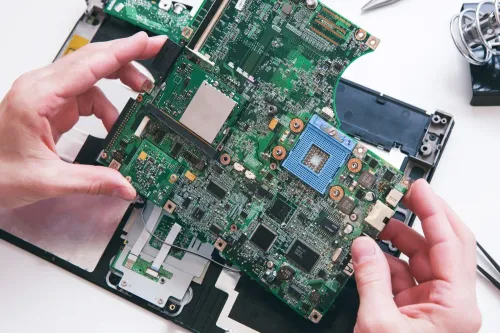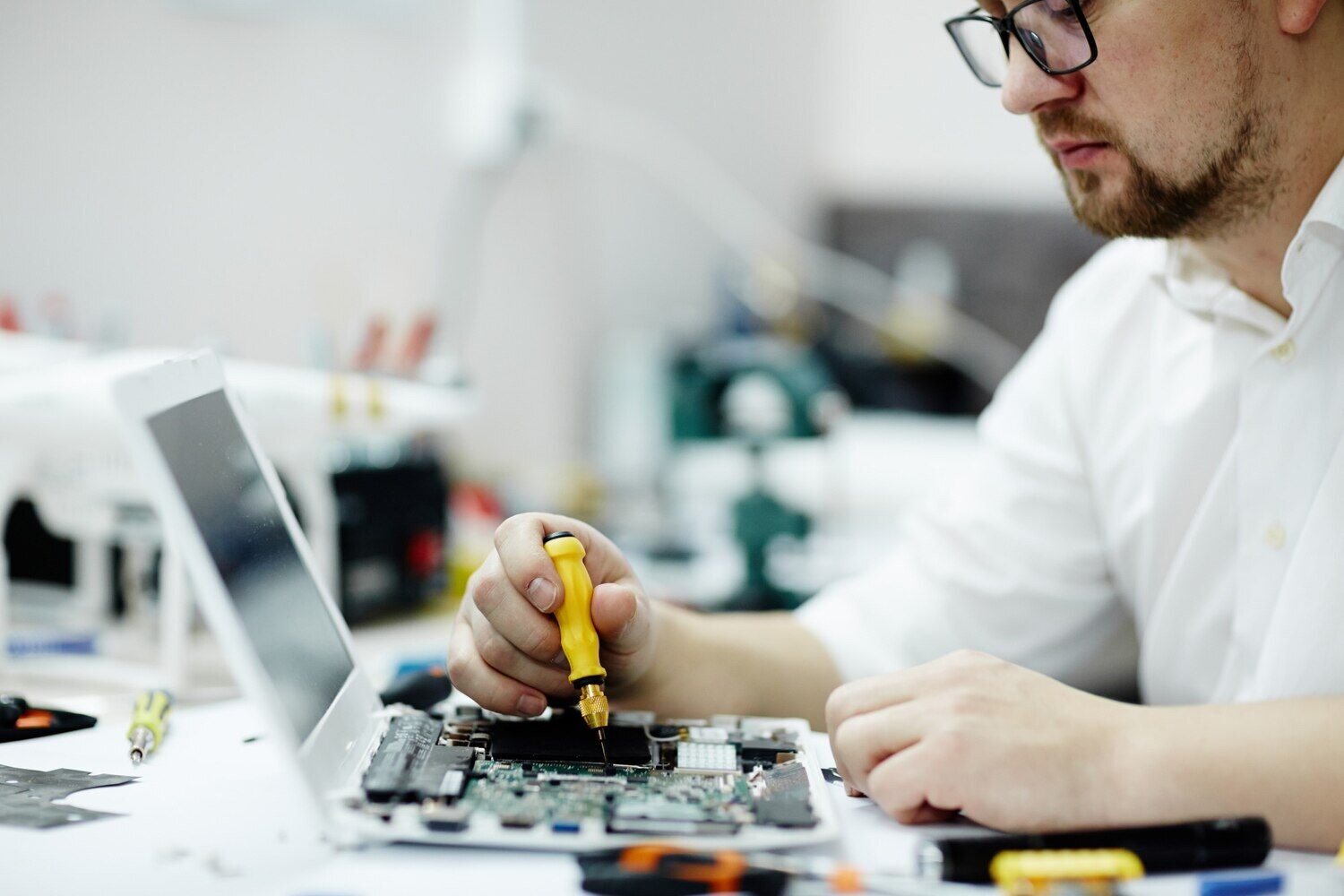
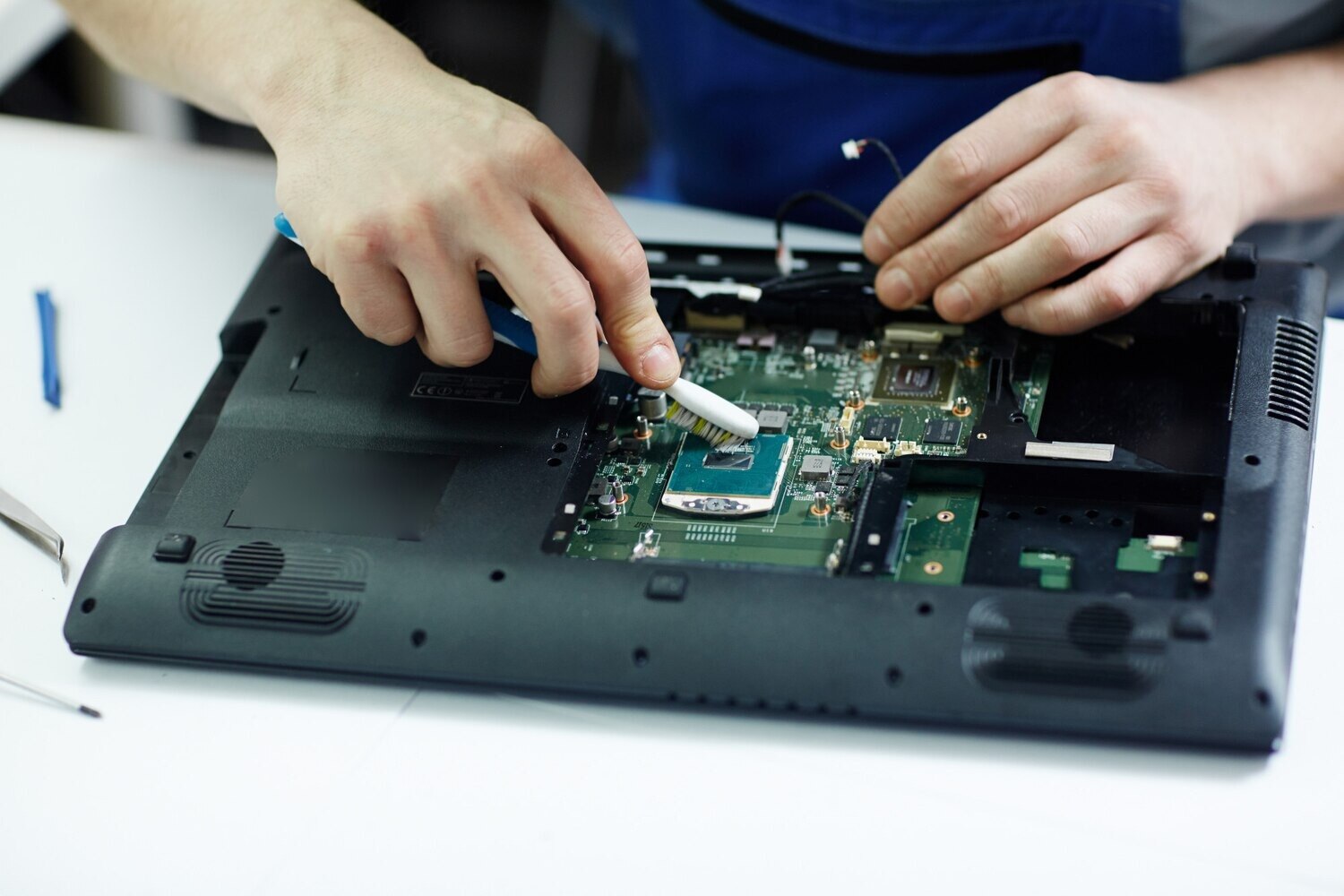
A laptop that shows no charging light, shuts down as soon as you press the power button, or works only with the adapter does not automatically need a new motherboard. You will learn how to separate charger, battery, display, RAM, storage and power-rail faults, what to check safely, and when board repair is a better choice than replacement.
Key takeaways
- Separate a completely dead laptop from one that powers on but fails POST.
- Check the charger, socket, battery reset and external devices before booking board repair.
- Ask the technician to document voltage readings, failed components and repair options.
- Choose component-level repair when the board and repair cost justify continued use.
Which power symptom is your laptop actually showing?
Classify the failure before requesting laptop power problem pimpri service. A completely dead laptop shows no fan movement, indicator light or response to the power button. A laptop that powers on but fails POST may show fan activity or lights without reaching the manufacturer logo.
| Failure class | What you see | Likely area to test |
|---|---|---|
| Completely dead | No light, fan or power-button response | Charger, DC jack, battery, power button or motherboard input circuit |
| Power on, no POST | Fan or LEDs work, but no logo appears | RAM, firmware, CPU power, display power or another board circuit |
| Logo or BIOS, then Windows recovery | BIOS or logo appears before startup fails | SSD, boot files, filesystem or Windows startup; not automatically the motherboard |
Record these details before booking service:
- Does the charging LED appear?
- Does the screen remain black, or does the machine shut off immediately?
- Does it work only on AC power?
- Does it shut down during games or other heavy loads?
Intermittent load-related shutdowns point toward overheating, a failed fan, blocked heatsink fins, degraded thermal paste, unstable voltage regulation or a temperature-sensitive short. A charging LED does not clear the motherboard: standby power can exist while CPU, memory, display or power-on sequencing fails.
On USB-C laptops, test the port and USB-C Power Delivery negotiation separately; a port can run low-power USB devices while failing to negotiate the wattage needed to charge or start the laptop.
What can you check before booking motherboard repair?
1. Remove USB drives, docks, memory cards, external monitors and every other peripheral. Test the wall outlet with a device that is known to work, then inspect the charger label for required voltage, current and connector type.
2. Try a known-good compatible charger. Never use one with a different voltage or a plug that requires force; a loose DC-in connection can damage the jack or board.
3. Watch the charge and power LEDs and listen for fan movement. Record whether the laptop reacts when a qualified technician disconnects the battery. Do not repeatedly press the power button or replace the battery before the charging circuit has been tested.
4. A black screen does not prove motherboard failure. Connect a known-good external display only as a diagnostic step, and distinguish no image from no power. Laptop startup repair Pimpri may involve Windows startup recovery when the machine reaches BIOS or a recovery screen, not board repair.
5. After liquid exposure, unplug the adapter and stop trying to start the laptop. Arrange prompt battery disconnection and inspection; exterior drying does not stop corrosion on connectors, vias or components.
6. Photograph the laptop, charger and connector before handing them over. Do not authorise software reinstallation until the hardware condition and data situation are clear, because reinstalling Windows can destroy recoverable information.
How should a technician trace a laptop power fault?
Start with the charger, not the motherboard. A proper laptop motherboard repair Pimpri diagnosis measures adapter output while the laptop is connected and drawing power, because a no-load voltage reading can look normal even when the adapter collapses under load.
- Inspect the DC-in jack, cable, connector and solder joints for looseness, burns or cracked joints.
- Test charger and battery behaviour separately, including whether either source triggers a protection shutdown.
- If those parts pass, trace the board’s input path and check the standby rails.
- Measure resistance to ground, inspect for heat, and check each voltage rail against the schematic or boardview data.
- On USB-C laptops, test the physical port and Power Delivery negotiation. A port can run low-power USB devices while failing to negotiate the wattage required for charging or startup.
Common findings include a damaged DC-in MOSFET, shorted input capacitor, failed charging-controller IC, open fuse, missing 3.3 V or 5 V standby rail, and an embedded-controller or BIOS sequencing fault.
A bench power supply can expose abnormal input current and help locate a short, but that reading is only a clue. Resistance, thermal evidence and rail measurements must support the conclusion.
Ask for the failed test point or identified part, not merely “the motherboard is faulty.” A replacement board is not justified simply because the laptop does not charge.
When is component-level board repair worth choosing?
Component-level repair is worth choosing when testing identifies one failed part and the rest of your original board remains sound. The work may involve a MOSFET, charging-controller IC, fuse, capacitor, voltage-regulator circuit or damaged solder joint.
It preserves the board’s existing relationship with the laptop, but hidden liquid corrosion, burnt multilayer-board tracks or a second failing power rail can raise the risk and cost.
Before choosing laptop for motherboard repair services in Pimpri, compare the options:
| Option | What it involves | When it makes sense |
|---|---|---|
| Component-level repair | Reworks or replaces the failed board part | One measured fault, limited damage and a repair estimate below the laptop’s remaining value |
| Complete motherboard replacement | Installs another board; BIOS, serial number, fingerprint or device-encryption setup may need attention | The original board has extensive damage and a compatible board is available |
| Another laptop | Replaces the entire device | The laptop is old, parts are scarce or repair approaches the price of a newer machine |
Ask what was measured, whether the quote is for component repair or board replacement, and whether testing covers charging, battery operation, sleep, USB ports and sustained load. A written diagnostic result matters more than a promise that the board is repairable.
Before authorising work, request confirmation that the SSD or hard drive will not be erased and ask how it will be protected. Motherboard repair does not recover files from a failed or encrypted drive; request a separate data-recovery quote when necessary.
What should you include in a Pimpri repair request?
A useful request for laptop for motherboard repair services in Pimpri gives the technician enough detail to choose the correct test path, not merely label the board faulty.
1. State the exact laptop make and model, charger voltage and wattage, fault date, and what happened before failure. Identify the symptom: no power, no POST, black screen, logo freeze, Windows recovery, immediate shutdown, intermittent shutdown, or startup only on AC power.
2. Record the indicator-light pattern, fan response, burning smell, liquid spill, drop, recent RAM, SSD, battery or charger upgrade, and whether the charging connector feels loose. This separates a laptop power problem Pimpri request from a display, storage, battery or adapter issue.
3. Ask for a written diagnostic result, the failed test or component, proposed component-level repair or motherboard replacement, total estimate, post-repair test coverage and warranty terms. For laptop motherboard repair Pimpri, ask whether charging, battery, sleep, USB and load tests are included.
4. Before repair begins, say whether files are accessible through another computer, a USB-to-NVMe or USB-to-SATA enclosure, or a separate drive adapter. Request confirmation that the SSD or hard drive will not be erased.
Laptop Plus - Complete Laptop Service & Rental can provide a local assessment that distinguishes laptop startup repair Pimpri involving Windows or storage from an adapter, jack, battery, RAM or board-level fault.
Related services
LAPTOP REPAIRING Committed to giving our clients, a solution that best fits their needs, the laptop repairs at Laptop+ are Fast, Reliable and Expert. View product → |
Laptop Servicing Thorough exterior and interior cleaning for optimal performance. Dust and debris removal from vents and cooling fans. View product → |
Frequently asked questions
How can I tell which laptop power fault I have?
A completely dead laptop shows no fan movement, indicator light or power-button response. A laptop that fails POST may show fan activity or lights but never reach the manufacturer logo.
What should I check before requesting laptop motherboard repair in Pimpri?
Test the charger and wall socket, inspect the charging port, disconnect external devices, and follow the model’s battery-reset procedure before booking repair.
How should a technician diagnose a laptop power fault?
The technician should inspect the board, check input and standby voltage rails, test the charging circuit and power-button path, and identify the failed component before recommending repair.
When is component-level motherboard repair worth choosing?
It is worth considering when the laptop’s age, condition and performance justify the cost, the board has a repairable fault, and the technician provides a clear diagnosis and warranty terms.
What information should I include in a Pimpri laptop repair request?
Include the laptop make and model, exact power symptom, charger details, recent liquid or drop damage, troubleshooting already performed, and whether your data must be preserved.
Keywords