A quoted “screen repair” or “not charging” job can hide faults in the cable, hinge, charging port, battery, software or motherboard. By the end, you will know which diagnostic checks, estimate details, data safeguards and collection tests to request before approving laptop work.
Key takeaways
- Ask for a diagnosis before approving any replacement part.
- Compare labour, part quality, taxes, turnaround time and warranty terms.
- Back up files and remove passwords or encryption keys only when safe.
- Test charging, ports, display, keyboard, battery and performance before acceptance.
What laptop repair includes beyond replacing a part
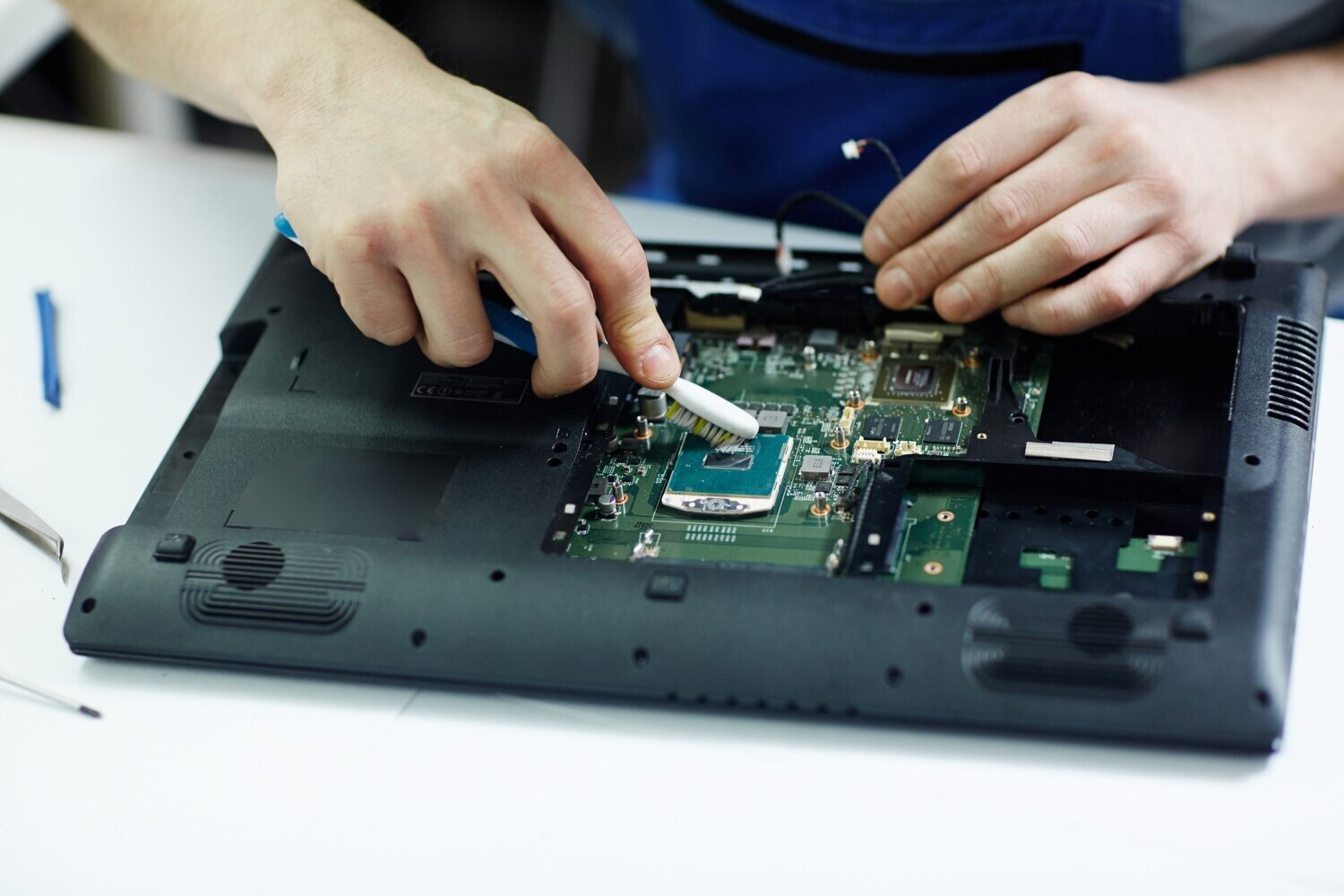
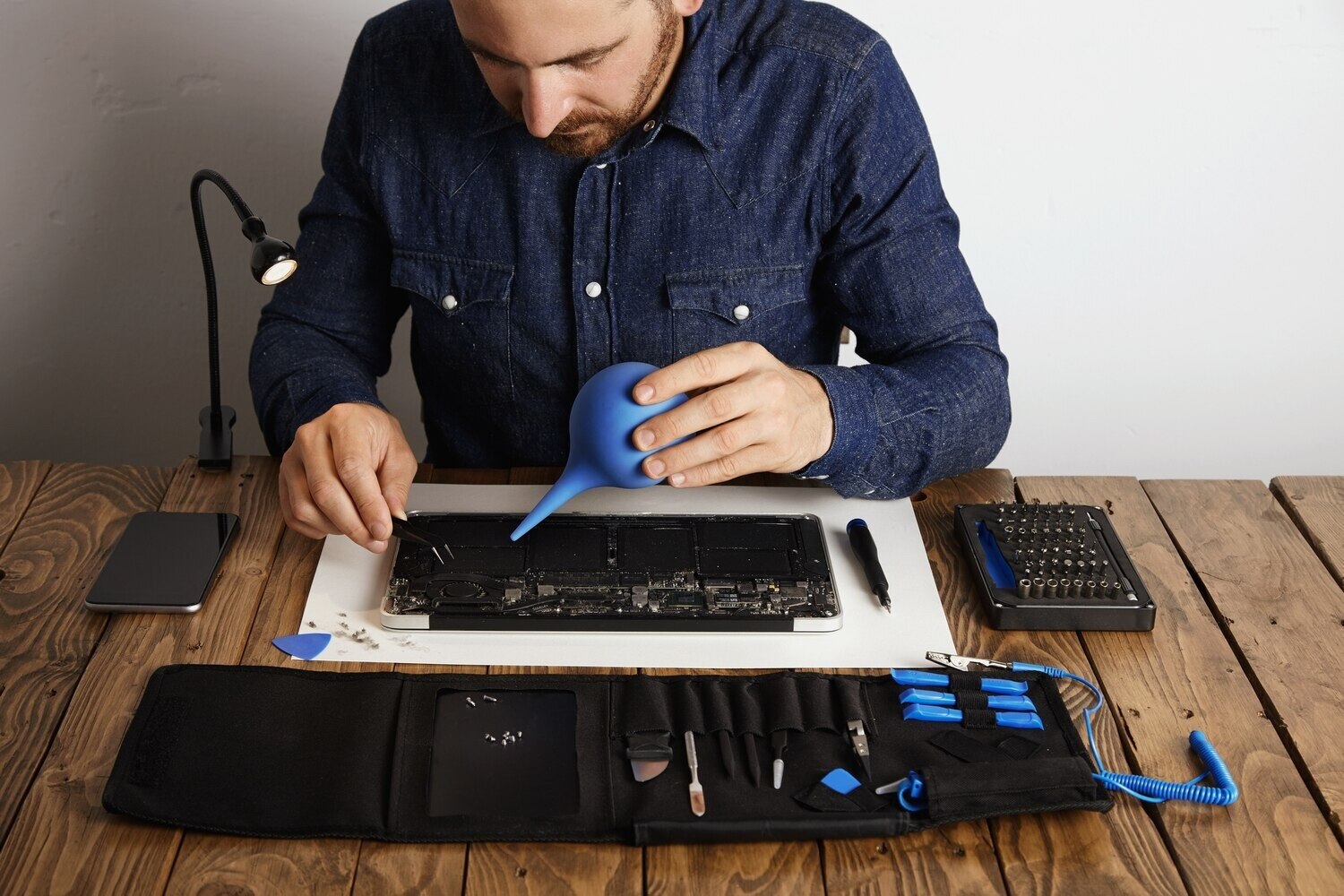
If you are asking what does laptop repair include, it starts with recording your reported symptom, such as “not charging” or “random shutdowns.” The technician diagnoses likely causes, confirms whether the fault is a component or software problem, opens the laptop, repairs or replaces the affected part, tests the result, and hands the device back.
Routine servicing cleans vents, fans and ports; preventive maintenance reduces future faults through cleaning and checks. Data recovery focuses on retrieving files from a damaged or inaccessible drive, while an upgrade adds capability rather than correcting a failure. These are separate services unless your written estimate includes them.
A RAM or SSD upgrade requires compatibility checks before any part is ordered:
- RAM generation, maximum supported capacity and available memory slots
- SSD form factor, such as 2.5-inch SATA or M.2, and its interface
- Whether the existing drive must be removed
Installing the new drive does not automatically include cloning Windows. Cloning is a separate task that copies the operating system, applications and files, so confirm whether it includes data transfer, boot testing and activation.
Ask for a fault-specific estimate rather than accepting “screen repair” or “slow laptop” as the entire job description. A complete repair quote separates diagnosis, parts, labour, software work and testing, so you know whether the proposed work fixes the cause or only replaces a symptom.
What happens before booking and during diagnosis
Before booking laptop repair services in Pune, record the symptom, when it began, recent drops or spills, error messages, and whether the fault is constant or intermittent.
- Describe the problem and ask what the diagnosis includes. For no charging, confirm tests of the charger’s voltage, wattage and connector, battery, DC jack or USB-C power circuit, and motherboard. For a damaged screen, ask for display-cable and panel checks.
- Ask whether diagnosis is free or charged, whether that fee is separate from approved repair work, and when you will receive a written quote. Submit the laptop only after confirming the inspection terms, expected turnaround and data-handling process.
- During diagnosis, expect fan operation and temperature checks for overheating; storage-health and startup tests for slow performance; individual key, keyboard-controller and trackpad checks for keyboard faults; and hinge movement, mounting points and cable condition checks for hinge damage.
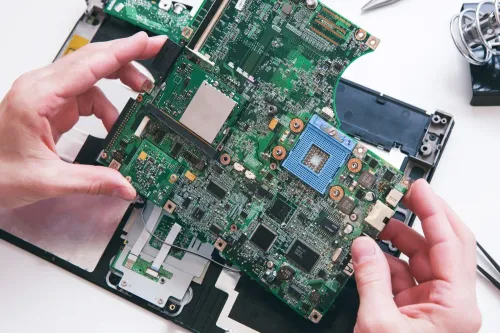
- For liquid exposure, ask whether internal cleaning, corrosion inspection and board-level diagnosis are included. For operating-system errors, identify whether the fault is startup repair, malware removal, driver failure or reinstallation, then obtain a written fault confirmation before authorising work.
The software quote must state whether it includes backup, formatting, driver installation, Windows activation, application installation and data restoration. These are separate tasks, not automatic parts of “OS repair,” and formatting without a backup can permanently remove files.
How to compare the estimate, parts and repair warranty
Do not approve a quote that says only “screen replacement” or “charger cost.” Complete laptop repair service details must identify:
- Confirmed fault, replacement part and whether it is original, manufacturer-approved, refurbished or compatible aftermarket
- Labour, GST, diagnostic charge, installation, testing and delivery
- Turnaround time, warranty duration and exclusions, including liquid damage, accidental damage and unrelated faults
| Part option | Fit, performance and lifespan | Price and warranty trade-off |
|---|---|---|
| Original manufacturer | Best match for fit, brightness, performance and expected lifespan | Highest price; warranty terms are usually clearest |
| OEM or manufacturer-approved | Close specifications and dependable compatibility | Mid-range price; confirm who backs the warranty |
| Refurbished | Reused, tested part with variable cosmetic wear and remaining life | Lower price; shorter or limited warranty is common |
| Compatible aftermarket | May fit electrically but differ in brightness, colour, speed or durability | Lowest price; verify warranty and exact specifications |
For a screen, ask for size, resolution, connector type, refresh rate, touch support and finish. Confirm that hinge or display-cable damage is included. For a charger, confirm voltage, wattage and connector standard; a replacement adapter will not fix a faulty DC jack or motherboard.
Request identical written details from every laptop repair service in Pune. Laptop Plus - Complete Laptop Service & Rental is one centre you can ask for a job-specific estimate before comparing it with others.
Related services
LAPTOP REPAIRING Committed to giving our clients, a solution that best fits their needs, the laptop repairs at Laptop+ are Fast, Reliable and Expert. View product → |
Laptop Servicing Thorough exterior and interior cleaning for optimal performance. Dust and debris removal from vents and cooling fans. View product → |
How to protect your files, passwords and encryption keys
Before handing over a working laptop, back up every folder and credential you cannot recreate. If you searched “laptop repair services in pune what is included”, treat data protection as a separate booking question, not an automatic repair feature.
1. Copy Desktop, Documents, Downloads and Pictures to an external drive or encrypted cloud storage. Export browser bookmarks, email archives, licence files, SSH keys, password-manager vaults and authenticator recovery codes.
2. Sign out of banking, email, cloud-storage and browser sessions. Remove saved credentials where possible, then create a temporary local account for testing instead of sharing your administrator password.
3. Ask whether BitLocker or FileVault recovery keys will be needed. Keep the keys available without sending them through an unsecured message.
4. If the laptop cannot boot, ask whether backup or data recovery is included, whether the original drive will be retained and returned, and whether the proposed repair could make recovery impossible. Drive replacement, formatting, liquid damage and motherboard work can destroy access to files.
If you must provide a password, use a temporary one and change it immediately after collection. Ask whether the technician can test hardware without opening your personal files, and confirm in writing whether backup, formatting and data restoration are included. A repair centre’s “software service” does not automatically include any of them.
What to test before accepting the repaired laptop
1. Reproduce the original complaint before you pay: boot the laptop several times, connect the charger to mains, unplug it and confirm charging on battery power, then check that the operating system detects the battery and shows its charge level.
2. Test every function touched by the repair: press every keyboard key after keyboard work, move the trackpad, open the webcam, record a microphone sample, play sound through the speakers, connect to Wi-Fi and Bluetooth, use every USB port, change display brightness, and test sleep and wake.
3. Inspect a replacement screen against a plain background for cracks, bright or dead pixels, lines, uneven brightness, wrong resolution, loose bezel or flicker. Open and close the hinges gently; stop if they bind, lift the bezel or require force.
4. Treat liquid damage as a board-level problem, not just a keyboard replacement. Ask whether internal cleaning, corrosion inspection and board-level diagnosis covered the charging circuit, display, storage and motherboard, because delayed corrosion can make any of them fail after collection.
5. Get the repair warranty period and exclusions in writing, including liquid damage, accidental damage and unrelated faults. Ask whether replaced parts will be returned or retained; an old storage device can still contain personal data even when the laptop works.
Frequently asked questions
What does laptop repair include beyond replacing a part?
Laptop repair includes recording your symptom, diagnosing hardware or software causes, opening the device, repairing or replacing the fault, testing the result and explaining the work completed.
What happens before booking a laptop repair service?
Describe the fault and its symptoms, ask what diagnosis covers, confirm the estimated turnaround time, and request a written estimate before approving the repair.
How should you compare a laptop repair estimate and warranty?
Check the labour charge, part name and quality, taxes, delivery time, warranty duration, warranty exclusions and what happens if the original fault returns.
How can you protect files, passwords and encryption keys during repair?
Back up important files, sign out where practical, avoid sharing passwords when a guest account works, and preserve recovery keys before handing over an encrypted laptop.
What should you test before accepting a repaired laptop?
Test startup, charging, battery behaviour, display, keyboard, touchpad, ports, Wi-Fi, speakers, webcam and the original fault before making final acceptance.
Keywords