A slow, damaged or ageing laptop leaves you with two choices: spend on repair or replace it with a refurbished machine. By comparing the fault, remaining lifespan, Windows support, battery condition, total cost and warranty, you can choose the lower-risk option and test it before committing.
Key takeaways
- Compare 24-month costs before choosing repair or replacement.
- Repair costs above 40–50% of replacement value deserve careful review.
- Check battery health, ports, storage, display, and Windows 11 compatibility.
- Demand a written record of parts, testing, warranty, and remaining faults.
Repair your current laptop or buy refurbished: start with the numbers
Start with the total cost over the next 24 months. If repairing your laptop costs more than 40–50% of a comparable refurbished model, replacement deserves serious consideration; reduce that threshold when the machine is already old or its processor cannot officially run Windows 11.
| Option | What you pay for | When it makes sense |
|---|---|---|
| Repair current laptop | Fault diagnosis, parts, labour, and possible battery replacement | The processor remains suitable, the fault is isolated, and the repaired machine should last two more years |
| Buy refurbished laptop | Purchase price, setup, data transfer, and likely battery or storage replacement | Your laptop needs a motherboard, display, hinge, charging-port, or liquid-damage repair |
Battery figures can change the answer. Ask for design capacity and current full-charge capacity, then test charging, sleep/wake recovery, and use under load. A laptop that works perfectly on its charger may still need an immediate battery replacement.
For refurbished laptops or laptop repairing in Pune and PCMC, compare the final price with warranty risk, not a “tested” sticker. Get the warranty period, covered parts, battery exclusions, accidental-damage exclusions, return process, and rules about opening or upgrading the device. A short warranty is acceptable only when the lower price compensates for the risk.
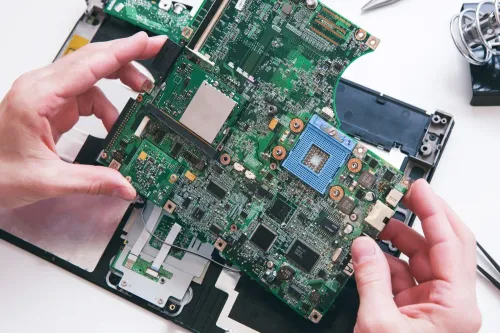
Choose repair first when the fault is a replaceable module such as RAM, storage, fan, keyboard, or battery. Choose replacement when diagnosis points to intermittent power failure, liquid damage, or component-level motherboard work and the quote approaches half the price of a comparable refurbished or repaired laptop.
Find the real cause before approving a repair
Poor performance does not automatically mean a repair. Identify whether the slowdown comes from software, heat, a failing part or an old platform before approving work; otherwise you can pay for a new battery when the processor itself is the limitation.
1. Back up your files and record the serial number, charger and current condition. Then check Task Manager while the laptop is slow: 100% disk usage points to storage or background software, while memory above 85% during normal work points to insufficient RAM.
2. Check storage health with the drive maker’s diagnostic tool and listen for clicking, freezes or repeated boot errors. A failing hard drive or SSD needs replacement, not a software tune-up; keep using it and data loss becomes the bigger cost.
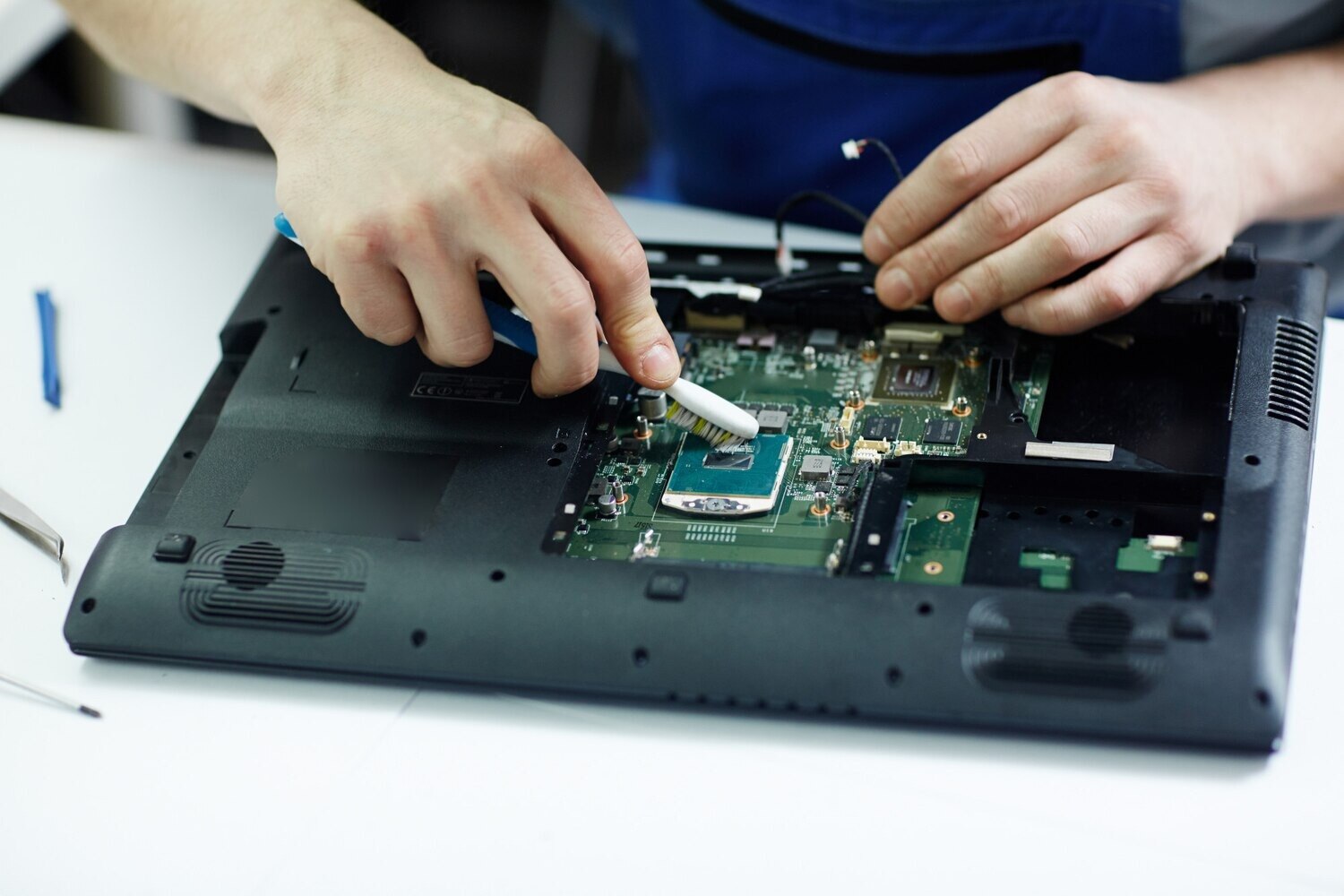
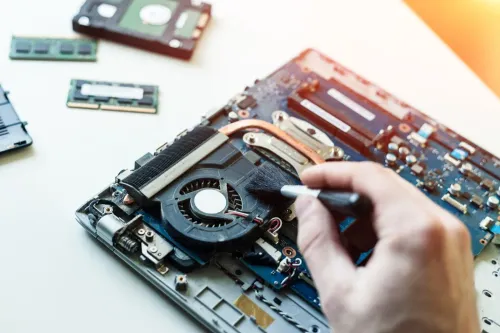
3. Measure temperatures under load. A fan packed with dust, blocked vents or dried thermal paste causes heat-related throttling and merits cleaning or cooling-system repair. If temperatures remain high after servicing, replace the fan or investigate the board.
4. Check the battery’s design capacity against its current full-charge capacity, charging behaviour and sleep/wake performance. Replace the battery when it drains rapidly or fails those tests, but choose a replacement laptop when the repair also includes a worn display, hinge or motherboard.
5. Compare the written total with the machine’s age, processor generation and expected use. Choose an upgrade for accessible RAM or storage; choose repair for a clearly identified replaceable module. Choose replacement when board-level work approaches the laptop’s value or leaves too little reliable life.
For laptop repairing in Pune and PCMC, ask whether the fault is a module replacement or motherboard repair. A same-day promise means little if diagnosis or the required part is not already available.
Inspect a refurbished laptop beyond its appearance
Check the hardware, operating system, and service history before judging refurbished laptops in Pune by their casing. A clean lid can hide a weak battery, replaced low-quality screen, damaged hinge, or storage drive near failure.
1. Confirm the exact model, serial number, processor generation, RAM, storage type and capacity. Compare the serial number on the chassis with the BIOS and invoice. Ask whether the machine was refurbished or merely repaired; “refurbished” has no single test standard.
2. Verify Windows 11 compatibility instead of accepting “Windows 11 ready.” The laptop needs a compatible 64-bit processor, 4 GB RAM, 64 GB storage, UEFI Secure Boot capability, TPM 2.0, DirectX 12 graphics and a 720p display.
Windows 10 support ended on 14 October 2025, so an unsupported machine has a shorter useful life unless you plan to run Linux or another supported system.
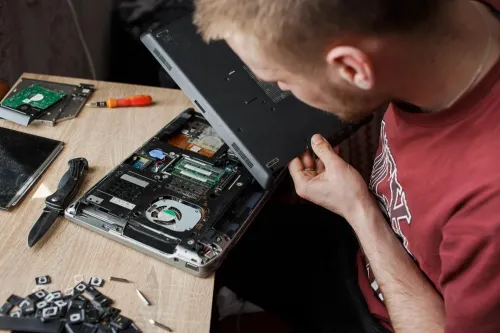
3. Inspect wear that affects reliability: hinge movement, loose charging port, screen brightness and dead pixels, keyboard, touchpad, webcam, microphone and speakers. Check every USB port, HDMI or DisplayPort, Wi-Fi and Bluetooth.
4. Unplug the charger and test battery charging, sleep and wake, then run the laptop for at least 20 minutes on battery and mains. Heat-related shutdowns and intermittent ports often appear only after warm-up.
5. Request the parts-replaced list, test report, warranty period, covered components, battery exclusions, return process and upgrade restrictions. A “tested” label without these terms leaves you carrying the risk.
Get a written repair or refurbishment record
Before handing over your laptop, get a dated written record that identifies both the machine and the promised outcome. A search for laptop repair pcmc providers is only a starting point; the paperwork protects you when the final bill or condition differs from the original agreement.
1. Record the serial number, model, charger, bag, and every accessory. Photograph the laptop’s screen, casing, ports, hinges, and existing scratches, then note whether it powers on and what fault you reported.
2. Confirm that you have a verified backup before repair. Ask whether the technician needs your login password; use a separate test account, remove sensitive files, or enable encryption when possible.
3. Demand an itemised quotation showing diagnosis, labour, parts, taxes, and data recovery separately. If the quote says “motherboard repair,” ask which failed component is involved and whether the replacement is new, used, or refurbished.
4. If you are buying refurbished, ask for the exact inspection, cleaning, tests, replaced parts, processor model, RAM, storage, and Windows 11 compatibility. “Tested” and “refurbished” are not test standards.
5. Request battery design capacity and current full-charge capacity, plus the warranty period, covered parts, exclusions, return process, and rules for opening or upgrading the laptop.
Laptop Plus - Complete Laptop Service & Rental can help when you need a written diagnosis rather than approving an unexplained repair. Do not pay the balance until the record matches the work completed and the laptop you receive.
Related services
LAPTOP REPAIRING Committed to giving our clients, a solution that best fits their needs, the laptop repairs at Laptop+ are Fast, Reliable and Expert. View product → |
Laptop Servicing Thorough exterior and interior cleaning for optimal performance. Dust and debris removal from vents and cooling fans. View product → |
Test the machine and judge its remaining risk
A boot screen proves almost nothing. Run the refurbished or repaired laptop until it is warm, then check every function you will rely on before accepting it.
- Test every USB port, HDMI or DisplayPort output, Wi-Fi, Bluetooth, webcam, microphone, speakers, keyboard, touchpad and charger.
- Change display brightness through its full range, close the lid, enter sleep mode, wake it, and repeat the cycle.
- Run a sustained workload on mains power and battery. Watch for fan surges, severe heat, throttling, screen flicker or sudden shutdowns.
- Copy a large file, open several applications, and restart twice. Intermittent storage, memory and power faults often appear during repetition.
Ask for the battery design capacity and current full-charge capacity. Confirm that it charges, powers the laptop under load and survives sleep/wake cycles; a machine that works only on its charger needs a battery replacement.
Get the warranty period, covered parts, battery and accidental-damage exclusions, return or replacement process, and any rule that voids coverage after opening or upgrading the laptop. A short warranty must be reflected in the price.
For refurbished laptops or laptop repairing in Pune and PCMC, ask for the exact work completed rather than trusting “tested” or “refurbished.” Check that the processor supports Windows 11 officially, because Windows 10 support ended on 14 October 2025.
Keep the machine only when its test results, warranty and expected lifespan justify the remaining failure risk.
Frequently asked questions
How do I compare repairing my laptop with buying a refurbished model?
Compare the total cost over 24 months. If repair exceeds 40–50% of a comparable refurbished laptop, replacement deserves serious consideration. Lower that threshold for an older laptop or one that cannot officially run Windows 11.
What should I find out before approving a laptop repair?
Ask the technician to identify the failed part and explain the evidence, such as diagnostic results, error codes, visible damage, or failed testing. Do not approve a costly repair based only on a symptom.
What should I inspect when buying a refurbished laptop in Pune?
Test the battery, keyboard, trackpad, display, webcam, speakers, Wi-Fi, Bluetooth, USB ports, charging port, storage, memory, thermals, and Windows 11 compatibility. Check the serial number and inspect for hinge or liquid damage.
What should a laptop repair or refurbishment record include?
Get the model and serial number, reported fault, diagnostic findings, parts replaced, part condition, data-handling details, tests performed, warranty terms, exclusions, and any unresolved faults in writing.
How can I judge the remaining risk after repair or refurbishment?
Run the machine under normal workload and test every repaired function. Review battery health, temperatures, storage health, system stability, warranty coverage, and the age of high-risk parts such as the battery, fan, hinge, and charging circuit.
Related product
DESKTOP REAPIRING Let’s face it; repairing a desktop is a difficult task. However, with our state of the art pre and post care repairing services, your desktop... View product → |
Keywords