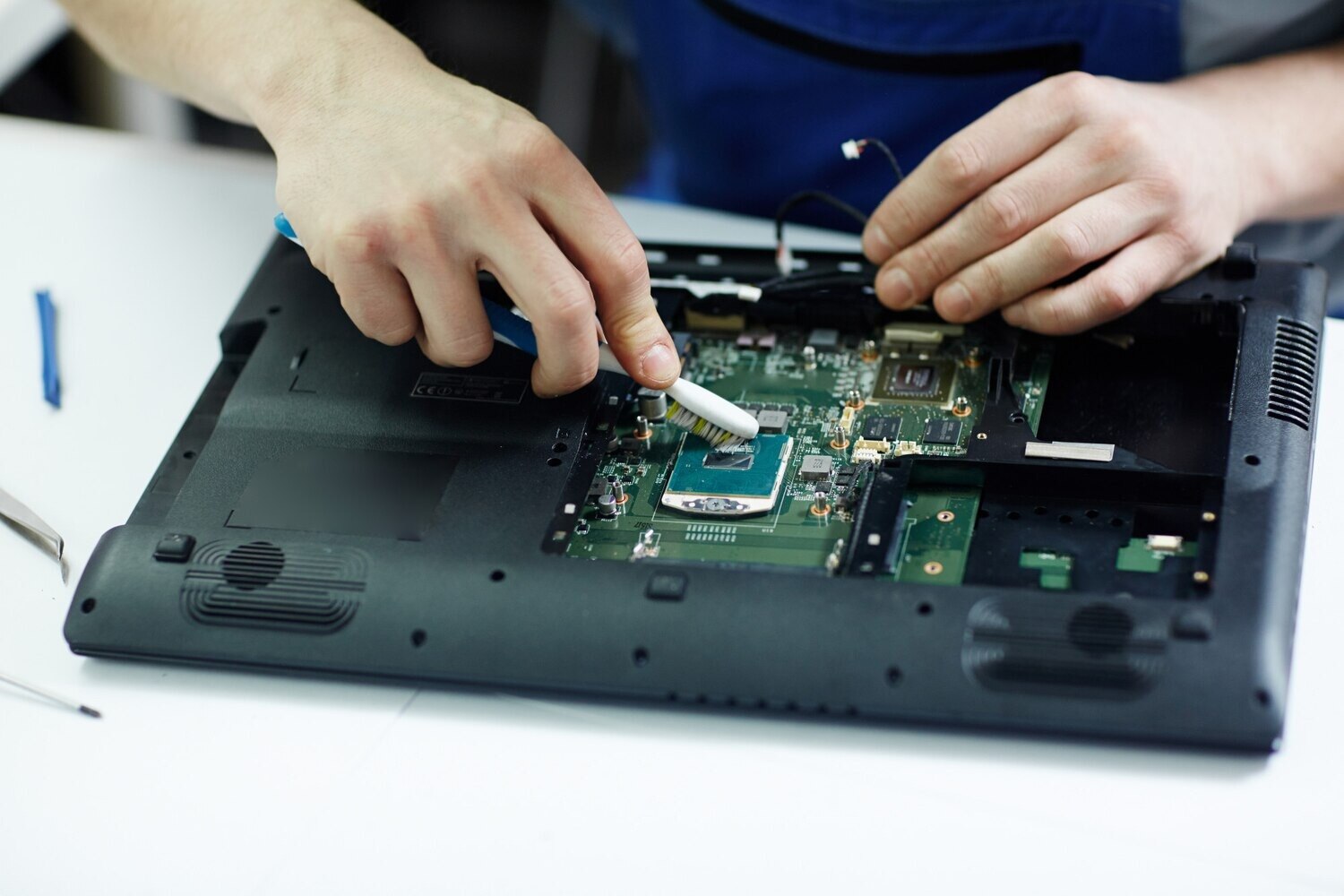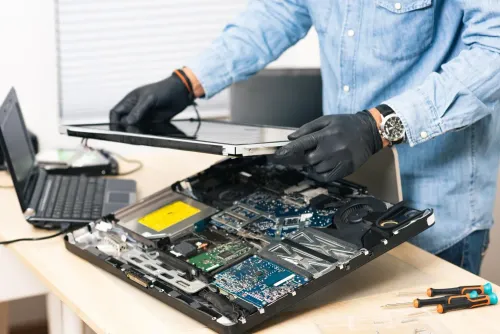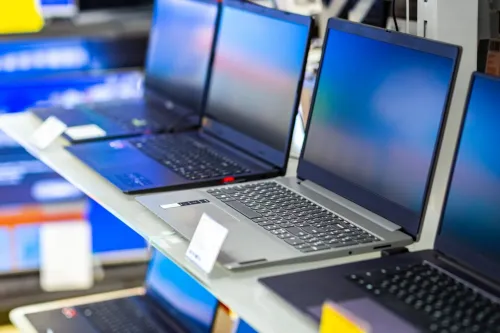
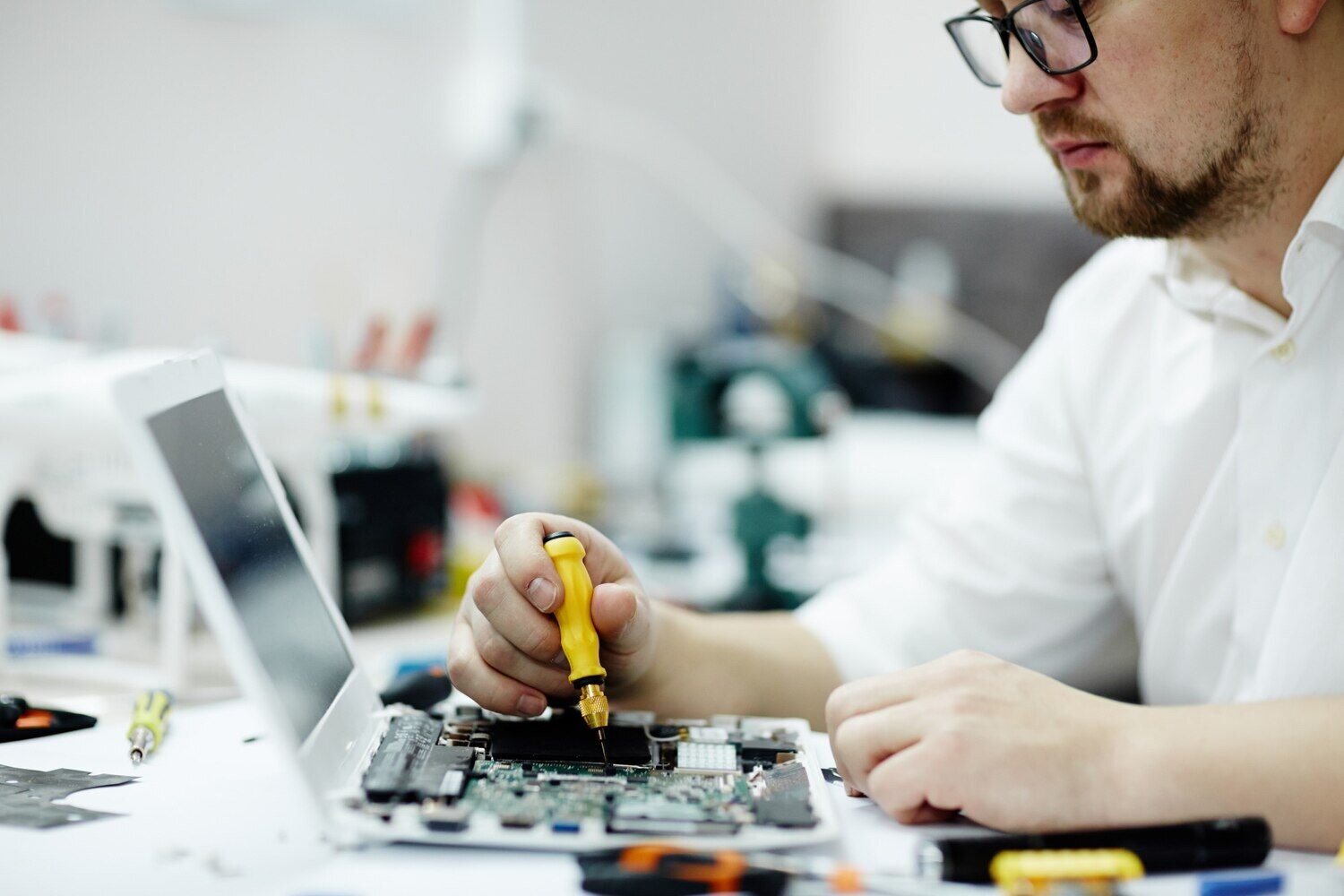
The better choice depends on the fault, the laptop’s remaining useful life and the price of a comparable replacement—not on what the laptop originally cost. You will be able to calculate the real repair-or-replace cost, test a refurbished machine against your workload and avoid hidden battery, compatibility and warranty problems.
Key takeaways
- Repair a recent laptop when one replaceable part has failed.
- Compare the full repair bill with the laptop’s working replacement value.
- Choose refurbished when repair costs approach replacement value or core hardware is outdated.
- Test battery health, SSD status, ports, display and warranty before buying refurbished.
When repairing your Pune laptop is the better decision
Repair is usually the stronger choice when your laptop is relatively recent, has a suitable processor, adequate RAM, and a sound display and chassis. A single replaceable fault—battery, keyboard, SSD, RAM module, charging jack, fan or screen—does not justify replacing an otherwise capable machine.
Repair also makes sense when the laptop holds important data, runs your required software correctly, and the repair should deliver another two to three reliable years. That is the practical test in a laptop repair or refurbished laptop in Pune decision: compare useful life, not the original purchase price.
Before approving an expensive repair, ask which test isolated the failed part:
- Battery-health data showing design capacity and current full-charge capacity
- SSD SMART or NVMe health information
- Memory-test results identifying RAM errors
- Charging-voltage measurements at the jack and adapter
- An external-display test separating a screen fault from a graphics or motherboard fault
Be cautious with a five- to seven-year-old laptop that has repeated overheating, hinge, charging or storage failures. Motherboard damage, liquid damage and several simultaneous faults raise the chance of another failure, even after one part is replaced. A diagnosis without evidence is a weak basis for spending money.
For repair or refurbished laptop in Pune comparisons, choose repair only when the fault is isolated and the remaining hardware still meets your work needs. Ask for the diagnosis, part specification, labour charge and warranty in writing before authorising the job.
How to compare laptop repair cost in Pune with replacement value
Compare the laptop repair cost in Pune with an equivalent refurbished laptop in Pune, not with your original purchase price. Repair is usually sensible when the complete estimate stays below about 40–50% of the replacement price and the laptop has adequate remaining life.
Indicative Pune ranges are:
| Work | Typical range | Cost warning |
|---|---|---|
| Diagnosis | ₹300–₹800 | Fee may not be waived |
| Operating-system installation | ₹500–₹1,500 | Data backup may be extra |
| Keyboard | ₹1,000–₹3,500 | Layout and part quality differ |
| Battery | ₹1,500–₹5,000 | Check design capacity |
| Screen | ₹2,500–₹8,000 | Panel brightness and resolution matter |
| SSD with installation | ₹2,500–₹7,000 | Include data migration |
| Motherboard-level work | ₹3,000–₹12,000 or more | Second-fault risk is higher |
Gaming laptops, ultrabooks, MacBooks and original manufacturer parts can cost more.
Ask for separate figures for:
- Diagnosis, labour, parts and taxes
- Data migration, adhesive, calibration and shipping
- Warranty period and its exclusions
- Whether each part is original, manufacturer-equivalent or compatible aftermarket
Add downtime, data recovery, a battery replacement and the likely cost of a second repair. A ₹6,000 repair on a laptop with two or three reliable years ahead can beat a ₹20,000 replacement; a five-year-old machine needing motherboard work usually cannot.
When a refurbished laptop in Pune is the smarter purchase
Choose a refurbished laptop in Pune when the current machine needs a motherboard, liquid-damage repair or several major parts. Replacement also makes sense when it cannot officially support the operating system your work requires, or its RAM and storage are inadequate and expensive to upgrade.
Test workload fit before buying a refurbished computer in Pune:
| Workload | Verify before buying | What goes wrong if overlooked |
|---|---|---|
| Office work and online classes | Webcam, Wi-Fi, keyboard and battery | Missed calls, dropped connections or unusable battery life |
| Programming | RAM capacity, SSD capacity and processor generation | Slow builds, virtual machines and development tools |
| Design work | Display resolution, graphics capability and memory | Poor colour or insufficient performance |
| Gaming | Dedicated GPU, cooling and correct power-adapter rating | Throttling, crashes or reduced frame rates |
| Business software | Windows edition, database client and security component | Required applications fail to install or authenticate |
Do not accept “Core i5” or “8 GB RAM” as complete specifications. Verify the exact CPU generation, RAM type, SSD or hard-disk type, storage capacity, display resolution, charger rating, Wi-Fi standard, webcam, keyboard layout and Windows licence.
Check Windows 11 compatibility before paying: Microsoft requires a compatible 64-bit processor, at least 4 GB RAM, 64 GB storage, UEFI Secure Boot capability and TPM 2.0. An older machine that fails these checks can leave you with unsupported software and a shorter useful life.
How to verify the real condition of a refurbished computer in Pune
A refurbished label does not prove that a refurbished computer in Pune was tested. Ask for functional-test records, secure data-erasure confirmation, battery-health disclosure, and a written return or warranty policy.
Request the battery design capacity and current full-charge capacity. Divide full-charge capacity by design capacity to estimate battery state of health; a laptop that passes a power-on demo can still discharge quickly.
Inspect the machine under load, not during a five-minute boot demonstration. Test:
- Charging at different angles, USB ports, display outputs, Wi-Fi, webcam, speakers, keyboard, touchpad, sleep and wake, fan noise, battery discharge, SSD health, memory stability and temperatures.
- Hinges, ports, screws, screen uniformity and the charger’s output rating.
- The exact processor generation, RAM type and capacity, SSD type and capacity, display resolution, Wi-Fi standard, keyboard layout and Windows licence.
| Check | Evidence to request | Failure it can reveal |
|---|---|---|
| Battery | Design and full-charge capacities | Rapid discharge or worn cells |
| Storage | SMART or NVMe health report | Failing SSD or excessive wear |
| Memory | Completed memory-test result | Crashes and data errors |
| Charging | Voltage measurement and angle test | Intermittent jack or adapter fault |
| Display | External-display test and uniformity check | Cable, panel or graphics fault |
For a laptop repair or refurbished laptop in Pune decision, compare both options line by line: processor, RAM, SSD, display, battery health, licence, charger and warranty. A quotation from Laptop Plus - Complete Laptop Service & Rental helps compare an evidence-based repair estimate with a tested replacement when both providers supply the same written details.
Related services
LAPTOP REPAIRING Committed to giving our clients, a solution that best fits their needs, the laptop repairs at Laptop+ are Fast, Reliable and Expert. View product → |
Laptop Servicing Thorough exterior and interior cleaning for optimal performance. Dust and debris removal from vents and cooling fans. View product → |
The final repair-or-replace checklist before you spend money
For a repair or refurbished laptop in Pune decision, use 40–50% of an equivalent replacement price as a practical repair threshold. Repair wins when one isolated fault affects otherwise suitable hardware; refurbishment wins when the repair leaves obsolete hardware, repeated failures, unsupported software or an unreliable battery.
| Option | Choose it when | Check before paying |
|---|---|---|
| Repair | One component failed and two to three reliable years remain | Complete estimate, test evidence and warranty |
| Refurbished laptop | Several major faults or inadequate hardware exist | Exact specifications, battery health, licence and return policy |
| Neither yet | Diagnosis or data handling is unclear | Written answers before handing over the device |
Before approving either option, complete this checklist:
- Back up files, remove saved browser sessions and passwords where possible, record the serial number and photograph the laptop’s condition.
- Ask whether the technician will access the drive, and obtain written confirmation about data handling.
- Compare the laptop repair cost in Pune with an equivalent refurbished machine, including downtime, warranty coverage and expected years of reliable service—not only the invoice total.
- After repair or purchase, use a clean operating-system installation or factory reset, then change account passwords before regular use.
Repairing a usable laptop avoids premature electronic waste. Send failed batteries, boards and discarded machines through an authorised e-waste route under India’s E-Waste (Management) Rules, 2022; an informal collection point is not automatically authorised.
Frequently asked questions
When is repairing a laptop in Pune better than buying refurbished?
Repair it when the processor, RAM, display and chassis remain suitable and the fault is a replaceable part such as the battery, SSD, keyboard, fan or charging jack.
How should you compare laptop repair cost in Pune with replacement value?
Compare the complete repair estimate, including parts, labour and data work, with the price of a reliable replacement offering similar performance and condition.
When is a refurbished laptop in Pune the smarter purchase?
Choose refurbished when the existing laptop has multiple failing components, outdated core hardware or a repair bill close to the cost of a dependable replacement.
How can you verify the condition of a refurbished computer in Pune?
Test the battery, SSD health, RAM, display, keyboard, ports, webcam, Wi-Fi, charger and operating system, then request a written warranty and return terms.
Related product
DESKTOP REAPIRING Let’s face it; repairing a desktop is a difficult task. However, with our state of the art pre and post care repairing services, your desktop... View product → |
Keywords