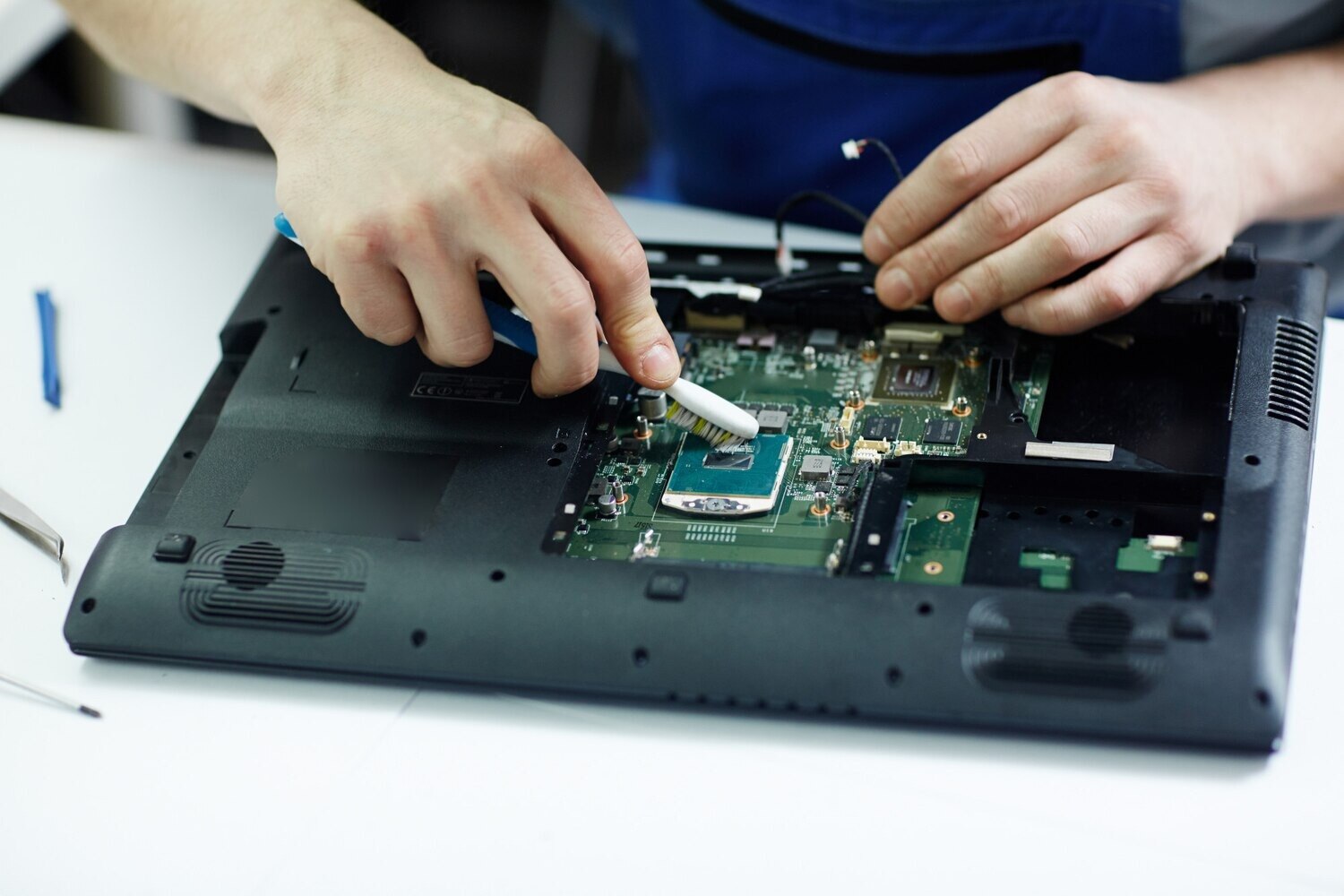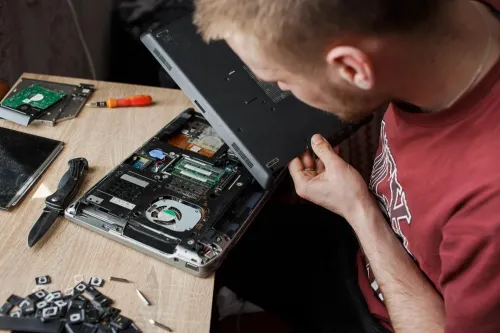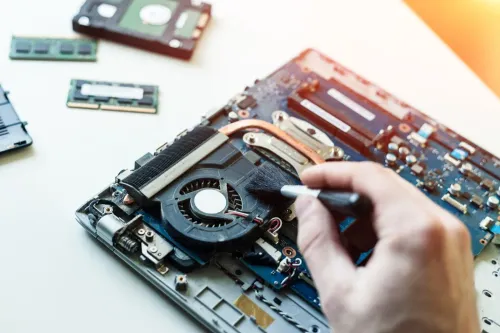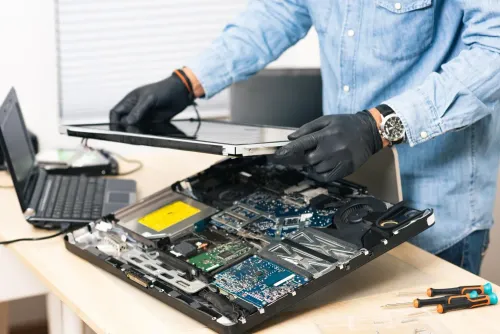
A laptop repair request can mean anything from a Windows startup failure to a broken hinge, charging port or motherboard circuit. By the end, you will know which checks and repairs to request, what to back up first, and how to compare a cleaning job with a genuine component or board-level repair.
Key takeaways
- Expect diagnosis before approving replacement parts.
- Ask for a written fault report and repair estimate.
- Back up data and confirm whether storage access is required.
- Test charging, display, keyboard, ports and Wi-Fi before collection.
What is included in a laptop repair in Bawadhan?
If you are asking what does laptop for repair include in bawadhan, expect diagnosis before any part is replaced. The usual laptop repair bawadhan details cover the symptom record, charger and battery tests, display, keyboard, storage drive, RAM, operating system, temperature readings and wireless connections.
1. Record the symptoms, including warning lights, noises, recent drops, liquid exposure and changes before failure. A laptop that will not power on is not automatically a dead motherboard: a failed adapter, damaged DC-in socket, flat battery, power-button fault, bad RAM connection or shorted peripheral can produce the same result.
2. Test the suspected cause and isolate the fault. The technician should use known-good power equipment where necessary, check charging behaviour, and explain the diagnosis before requesting approval.
3. Provide a written estimate separating the diagnostic fee, labour, parts, data work and urgent-service or delivery charges. Ask whether testing happens before parts are recommended and whether the estimate includes compatible accessories, licensing or follow-up work.
4. Complete the approved repair. This can mean replacing a battery, charger, socket or other component, or performing software work such as driver repair, Windows troubleshooting, malware removal or operating-system installation.
5. Test the result against the original fault, including startup, shutdown, charging, battery operation, display, keyboard, storage, Wi-Fi, ports, temperatures and fan behaviour. The return handover should state what was repaired, what data work occurred and any warranty or care instructions.
What problems does laptop troubleshooting in Bawadhan investigate?
Each symptom points to a different diagnostic path, so laptop troubleshooting in Bawadhan should test the likely cause instead of replacing the first part that looks faulty.
- No power requires a known-good adapter, battery testing, charging-port inspection, power-button checks, RAM reseating and power-rail testing. A shorted peripheral can also prevent startup.
- Overheating calls for fan-operation checks, temperature readings, airflow inspection and thermal-paste assessment. Cleaning can clear blocked vents, but it cannot revive a failed fan or reverse liquid-corroded circuitry.
- Slow startup requires storage-health testing, a review of startup applications, available-space checks, malware scanning and Windows configuration review.
- Blue screens call for driver checks, memory testing and storage diagnostics. The error code can help identify whether software or hardware is failing.
- Wi-Fi failure requires adapter detection, driver-status checks, network-settings review and antenna inspection.
- Charging faults and rapid battery drain need separate tests for the charger, charging port, battery and charging circuit. A laptop that charges slowly does not automatically have a failed battery.
- Display faults require checks of the panel, display cable, backlight and graphics circuit. A cracked panel needs replacement; an image that changes when you move the lid points toward the cable or hinge area.
- Stop powering or charging a wet laptop. Request battery isolation and liquid-damage inspection, because cleaning alone cannot reveal or repair hidden corrosion.
Which hardware and software repairs can be included?
Laptop hardware repair in Bawadhan covers physical part replacement; laptop troubleshooting in Bawadhan separates those failures from Windows and application problems before work begins. You can request the following repairs:
| Type | Work you can request | Important check |
|---|---|---|
| Hardware | Keyboard, screen panel, hinge, charging port, battery, fan, RAM, SSD, hard drive, touchpad or cooling-assembly replacement | Match the part before approval |
| Hardware | Board-level repair for soldered charging, power or USB components | A motherboard replacement may be needed instead of a simple swap |
| Software | Windows Startup Repair, driver-conflict resolution, malware checks, unwanted-program removal and application-error repair | Confirm whether existing files and programs will remain |
| Software | Windows configuration fixes, driver updates and operating-system installation | A licence and application reinstallation may be required |
Compatibility is not proved by physical fit. An SSD needs the correct interface, such as SATA or NVMe, and the correct physical format; RAM needs the supported type and capacity limit; a screen needs matching dimensions, connector, resolution, mounting points and electrical characteristics.
Ask what happens to your data before approving drive replacement or Windows reinstallation. Both can erase files, and a failed or encrypted drive may require your account password or BitLocker recovery key. Request data transfer or backup work separately, and get the exact part, labour, licence, application-reinstallation and warranty terms in writing.
How should you protect data and approve the repair?
Back up documents, photographs, browser bookmarks and saved passwords, email files, work folders, and desktop files before handing over the laptop. Use an external drive or a trusted cloud account, then confirm that important files open from the backup.
1. If the laptop will not boot, request a data-preservation assessment before approving formatting, Windows installation, or storage replacement. A failed or encrypted drive may require the account password, BitLocker recovery key, or another recovery credential; data recovery is never guaranteed.
2. Ask for a written scope covering the diagnosis, labour, exact part, compatibility, warranty or return terms, data handling, operating-system licensing, delivery, and expedited-service charges. Make sure the estimate separates diagnosis, parts, data work, and labour.
3. Confirm whether the job is preventive servicing or a repair. Preventive work can include fan inspection, internal dust removal, thermal-paste replacement where appropriate, firmware or driver updates, and overheating checks. It cannot restore a failed fan or reverse liquid-corroded circuitry.
4. Before approving a replacement, ask whether the technician tested the proposed part and whether liquid damage or corrosion changes the estimate. For laptop repair service Bawadhan comparisons, use the written scope rather than the lowest headline price; check laptop repair Bawadhan details for excluded data transfer, licensing, compatible parts, or follow-up work.
Never keep powering or charging a wet laptop. Liquid damage needs battery isolation and inspection because corrosion can continue after the machine briefly starts.
How do you choose the right laptop help and verify the result?
Choose the type of help by the job you need, not by the first part a technician suggests replacing.
| Option | Choose it when | Confirm before approval |
|---|---|---|
| Servicing | You need maintenance, dust removal, fan inspection or cooling checks | Ask what inspection and temperature checks are included |
| Troubleshooting | The laptop has an unexplained symptom | Request tests that separate software faults from hardware faults |
| Hardware repair | A physical part has failed | Confirm the exact part and compatibility |
| Full repair service | Diagnosis, software work, replacement and testing must be handled together | Get the complete written scope and total estimate |
Repair can be the wrong financial choice. A motherboard replacement, liquid-damage job or premium display can approach the value of an older laptop, so transferring your data or replacing the computer may make more sense.
For people comparing laptop repair service in Bawadhan, Laptop Plus - Complete Laptop Service & Rental is one local option to ask about written scope, data handling and post-repair tests. Search for laptop repair hardware Bawadhan or laptop repair bawadhan details, then compare what each provider will test rather than comparing labels alone.
Before handover, verify:
- Startup and shutdown
- Charging and battery operation
- Display brightness, keyboard and touchpad
- USB, audio ports, Wi-Fi and webcam
- Storage health
- Fan noise and temperature
Reaching the desktop proves only that the laptop starts. It does not prove the original fault has been fixed.
Frequently asked questions
What is included in a laptop repair in Bawadhan?
A laptop repair assessment can include recording the symptoms, testing the charger and battery, checking the display, keyboard, storage drive, RAM, operating system, temperature readings and wireless connections.
What problems does laptop troubleshooting in Bawadhan investigate?
Troubleshooting investigates symptoms such as failure to start, slow performance, overheating, unexpected shutdowns, charging faults, blank displays, keyboard problems, storage errors and unreliable Wi-Fi.
Which hardware and software repairs can be included?
Hardware work can include replacing a battery, charger, keyboard, screen, storage drive, RAM or cooling component. Software work can include driver repair, operating system recovery, malware removal, updates and data transfer when approved.
How should you protect data and approve the repair?
Back up important files first, remove sensitive accounts when possible, ask whether the technician needs your login, and approve work only after receiving the diagnosis, parts list, estimated cost and data-handling terms.
How do you choose the right laptop help and verify the result?
Choose help that explains the fault and separates diagnosis from replacement work. Before collection, test startup, charging, battery operation, display brightness, keyboard, touchpad, ports, speakers, camera, Wi-Fi and your repaired software.
Keywords